
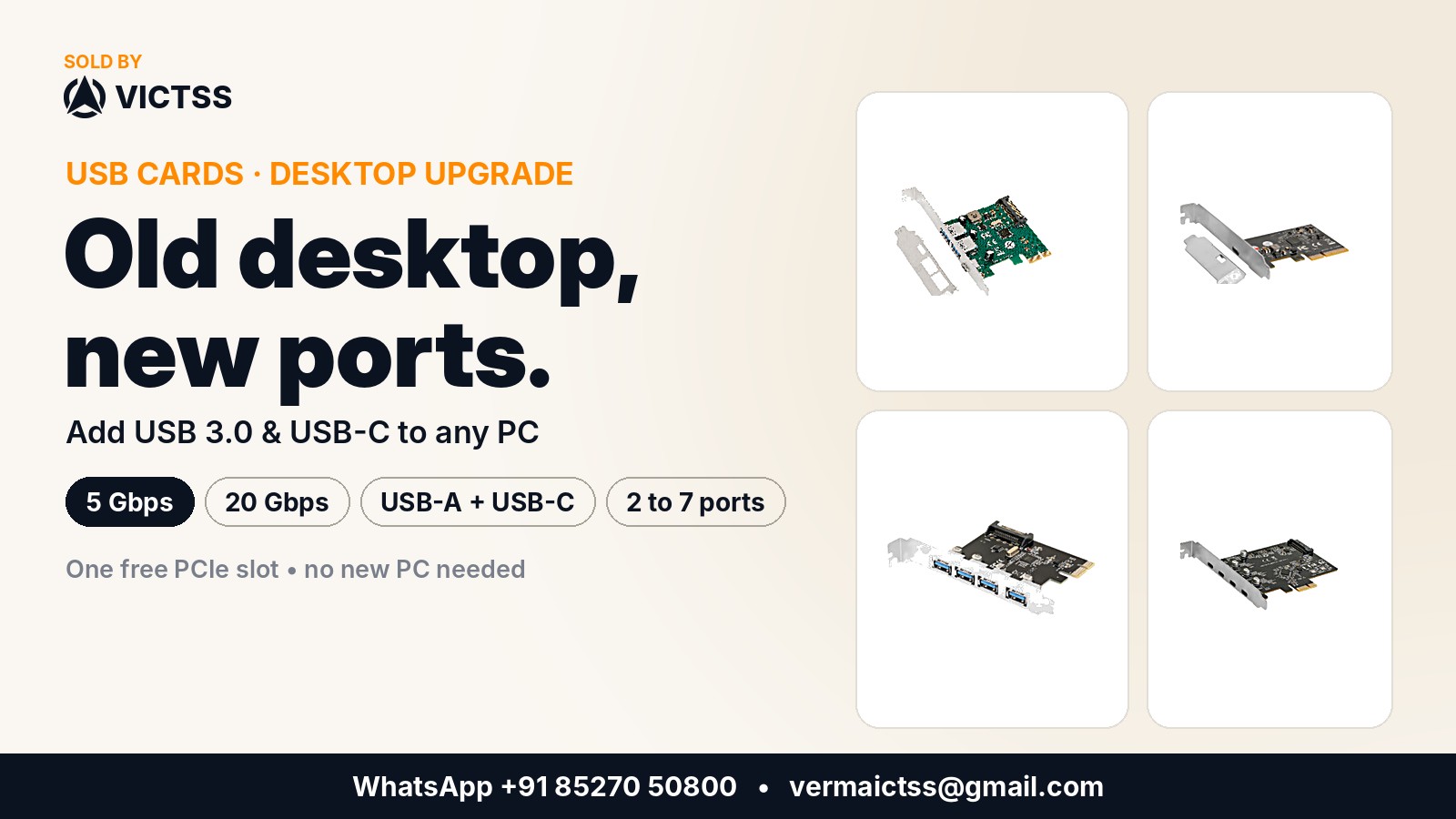
Running out of USB ports, or stuck with slow USB 2.0 on an older desktop? You don't need a new PC. A USB expansion card fits into one free PCIe slot and adds fast USB 3.0, USB-C or even 20Gbps ports in a few minutes.
Which card fits your need?
- A few more USB-A ports: ER3102, 2× USB 3.0 (with low-profile bracket) or ER3101S, 4× USB 3.0
- No spare power cable in the PC: ER3103, 4× USB 3.0, self-powered from the slot
- Lots of devices on one desk: ER3104, 7× USB 3.0
- USB-A and USB-C together: ER3107, 2× USB-A + 1× USB-C
- All USB-C: ER3106, 4× USB-C (5Gbps)
- Fastest external SSDs (20Gbps): ER3105, USB 3.2 Gen 2x2 Type-C, PCIe x4
- USB and network in one slot: ER3002, 3× USB 3.0 + Gigabit LAN
Practical uses
- Office PCs: printers, scanners, dongles and card readers all connected at once.
- Billing and POS counters: barcode scanners, receipt printers and payment devices.
- Photo and video work: faster copying from cameras, card readers and external SSDs.
- Gaming and streaming: controllers, webcams, capture cards and headsets.
- New USB-C devices on an old PC: phones, SSDs and accessories that use USB-C cables.
Before you buy
- Most cards need a free PCIe x1 slot (they also fit x4, x8 and x16 slots). The 20Gbps card needs a PCIe x4 slot or larger.
- Many cards have a power connector: connect it from the PC's power supply (SMPS) for high-power devices such as bus-powered hard disks. The ER3103 is the exception: it needs no SMPS cable.
- All ports on one card share its bandwidth.
- 20Gbps speed needs a 20Gbps device and cable.
- Slim or small-form-factor PC? Choose a card that comes with a low-profile bracket.
Watch the 40-second guide
See the quick video version: Add USB 3.0 and USB-C ports to an old PC (VICTSS on YouTube).
Need help choosing?
Send your PC or motherboard model and what you want to connect on WhatsApp +91 85270 50800, and we will suggest the right card. Bulk and wholesale orders welcome. VICTSS, Som Bazaar Road, Rajapuri, New Delhi – 110059. Pan-India supply.