
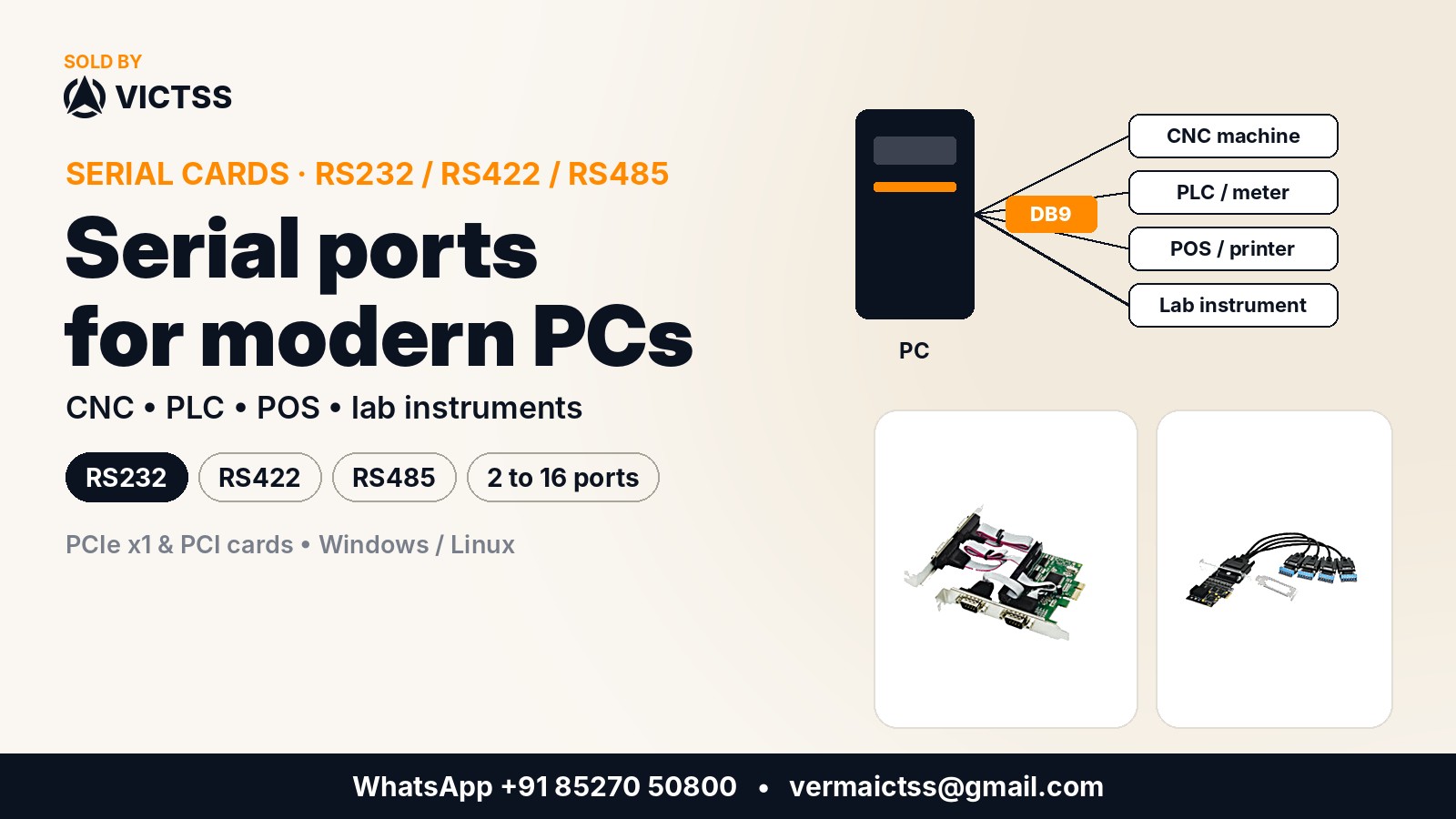
New PCs and laptops no longer have serial (COM) ports, but CNC machines, PLCs, POS printers, weighing scales, energy meters and lab instruments still talk over RS232, RS422 or RS485. A serial card adds real COM ports to a modern desktop through one PCIe slot, so you can keep that equipment running without hunting for an old PC.
RS232, RS422 or RS485: which one do you need?
- RS232: the common one. One PC to one device over short cables. Used by CNC machines, POS and receipt printers, barcode scanners, weighing scales, modems and many lab instruments.
- RS422: longer, more noise-resistant cable runs between a PC and a device, common in industrial sites.
- RS485: many devices on one pair of wires (multi-drop), such as energy meters, PLC networks and building-automation equipment.
Check your device's manual or the label near its serial port. If it only says "COM" or "serial" with a DB9 connector, it is almost always RS232.
How many ports?
- 2 ports: ER3072 PCIe x1, 2× RS232 DB9
- 2 serial + 1 parallel (printer) port: ER3071 PCIe x1 combo card
- 4 ports: ER3074 PCIe x1, 4× RS232
- 8 ports: ER3075 PCIe x1, 8× RS232 with fan-out cable
- 16 ports for large installations: ER1034 PCIe x1, 16× RS232 with fan-out cables
- RS422 / RS485 (industrial): ER3076 PCIe x1, 4× RS422 / RS485
- Old PC with PCI slots only: ER1052 PCI, 2× RS232
Practical uses
- CNC and machine shops: send programs from a new PC to the machine controller.
- Retail and billing: POS terminals, receipt printers, pole displays and weighing scales.
- Factories and PLCs: connect PLCs, HMIs and drives for programming and monitoring.
- Energy and metering: read many RS485 meters on one line.
- Labs and medical equipment: analysers and instruments that log data over a COM port.
- Replacing an old PC: move legacy software to a new desktop and keep using the same machines.
Before you buy
- PCIe x1 cards fit any PCIe slot (x1, x4, x8 or x16). PCI cards fit only the older, longer PCI slot.
- Cards with 4 or more ports may use more than one bracket slot at the back of the PC, or come with a fan-out cable.
- Windows or Linux drivers may be needed for your operating system.
- Check that your software can use the new COM port number (COM3, COM4 and so on); most let you choose it in settings.
Watch the 40-second guide
See the quick video version: RS232 / RS485 serial ports for a modern PC (VICTSS on YouTube).
Need help choosing?
Send your machine or device model, the number of ports you need and your operating system on WhatsApp +91 85270 50800, and we will confirm the right card. Bulk and wholesale orders welcome. VICTSS, Som Bazaar Road, Rajapuri, New Delhi – 110059. Pan-India supply.